4 min read
Persian speech to text: what works and what to watch for
Turning Persian meetings, interviews and calls into text has become practical. Where it still goes wrong, how to record for it, and what to decide before sending recordings anywhere.
Speech to text (automatic speech recognition, ASR) turns a recording of speech into written text. Today's systems are built on deep learning, trained on very large amounts of recorded speech, and several of them handle Persian well enough to be useful: meeting notes, interviews, customer calls, lectures and subtitles. But "well enough" depends a great deal on the recording and on what you need the text for. This post explains where Persian transcription goes wrong and how to get text you can use.
Why Persian speech is a particular challenge
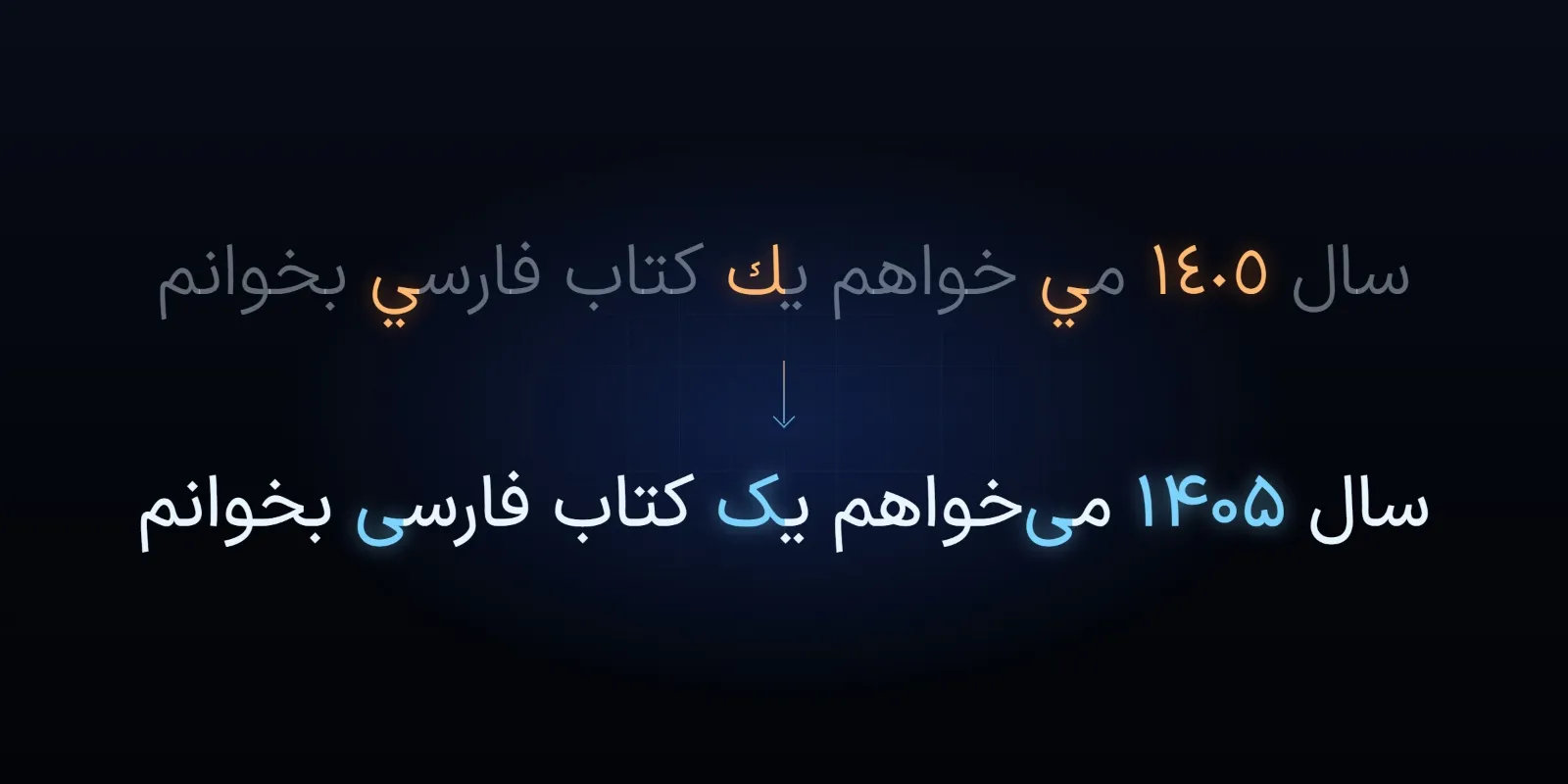
- People speak differently from how they write. Spoken Persian shortens and changes words: «میخواهم» is said «میخوام», «است» often becomes «ـه», «را» becomes «رو». A system may write what it heard (spoken forms), turn it into written forms, or mix the two in one sentence. Neither is wrong, but you need to know which you will get, and which you want.
- Accents and dialects. Persian is spoken with many regional accents, and many speakers also use Azerbaijani, Kurdish, Gilaki, Lori or another language at home. A model trained mostly on Tehran speech may do noticeably worse for others. Test with the voices that will actually be recorded.
- English inside Persian. Technical and business speech is full of English words (deadline, server, meeting), said with Persian pronunciation. A system may write them in Persian letters, in Latin letters or as a similar-sounding Persian word.
- Names and numbers. People's names, company names, place names and figures are where transcripts fail most often, and where errors cost most.
- Written conventions. Half-spaces, Arabic and Persian letters and digits matter here as much as in any Persian text (see processing Persian text with AI). A transcript with «میشود» written without its half-space reads and searches badly.
Recording matters more than the model
The single largest factor in accuracy is usually the recording, not the choice of system:
- The microphone close to the speaker. A laptop's built-in microphone at the end of a meeting table picks up the room more than the voice. A microphone near each speaker, or a good conference microphone in the middle of a small table, helps more than anything else.
- A quiet room. Air conditioning, traffic, keyboards and echo in a bare room all cost accuracy.
- One person at a time. Overlapping speech is hard for every system. Telling speakers apart (diarisation) also works much better when people do not talk over each other.
- No heavy compression. A recording sent through a messaging app several times, or a low-quality phone line, loses detail that cannot be recovered. Keep the original file.
Reading the result
- Expect to edit. For a clear recording, a good system often gives a transcript that needs only light correction; for a noisy meeting with many speakers, much more. Plan for a person to read the transcript before it is used for anything that matters.
- Check names, figures and decisions against the recording, not against the transcript's own wording.
- Watch for invented text. Some modern systems are built like language models and, on silence, music or unclear audio, can produce fluent sentences nobody said. Long silences and background music are the usual places to look.
- Keep timestamps. A transcript with times lets anyone jump to the moment in the recording and check it.
Privacy and where the audio goes
Recordings of meetings and calls often contain personal and confidential information. Before choosing a tool, decide:
- Where the audio is processed. An online service sends the recording to a third party, possibly in another country. Read what it does with recordings, whether they are kept and whether they are used to train its models.
- Whether people know they are being recorded. Tell participants in advance, and get their agreement where it is required.
- Who can read the transcripts and how long they are kept.
For sensitive material, an open speech recognition model running on the organisation's own server keeps the audio in-house. It needs suitable hardware and some setup, but nothing leaves the building (see running AI on the edge).
How to choose
We do not rank products here: results change quickly with new versions, and the best choice depends on your recordings. A fair test takes an afternoon:
- Collect ten to twenty real recordings of the kind you will transcribe, with the real voices, rooms and topics.
- Have a person write the correct transcript of a few minutes of each.
- Run each candidate system on the same files and compare with the correct text, paying special attention to names, numbers and English terms.
- Check the practical side too: price per hour of audio, speed, speaker labels, timestamps, and where the audio goes.
Once speech is text, the rest of a language model's tools apply: a transcript can be summarised, searched or turned into minutes (see how to write a prompt for asking for a good summary), as long as someone checks what matters.
Contact us to discuss turning your organisation's Persian recordings into usable text.