5 min read
How a robot arm tracks a moving target
Inverse kinematics, motion planning and target tracking, illustrated by the interactive six-axis arm on Dalizhe’s homepage.
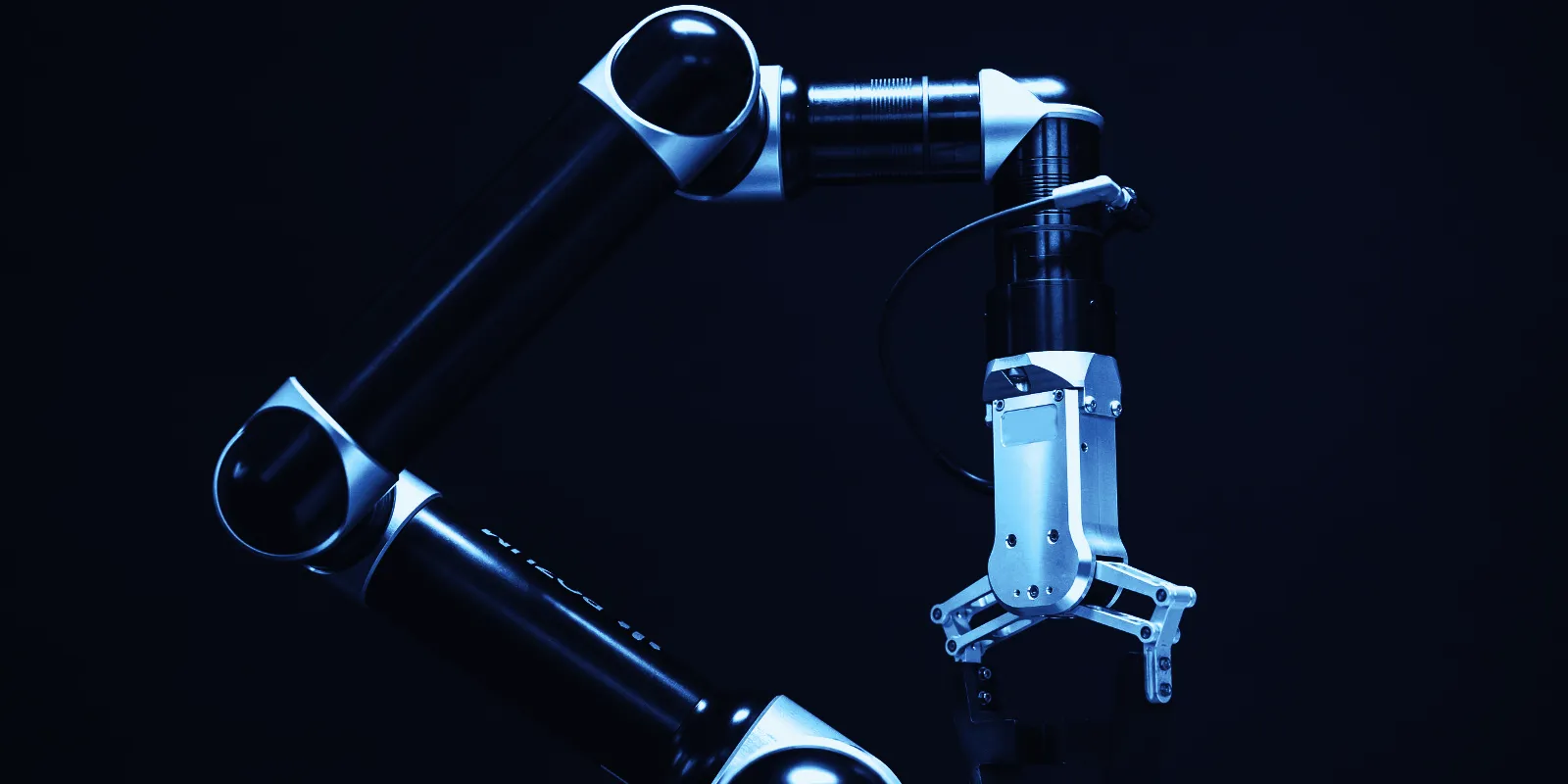
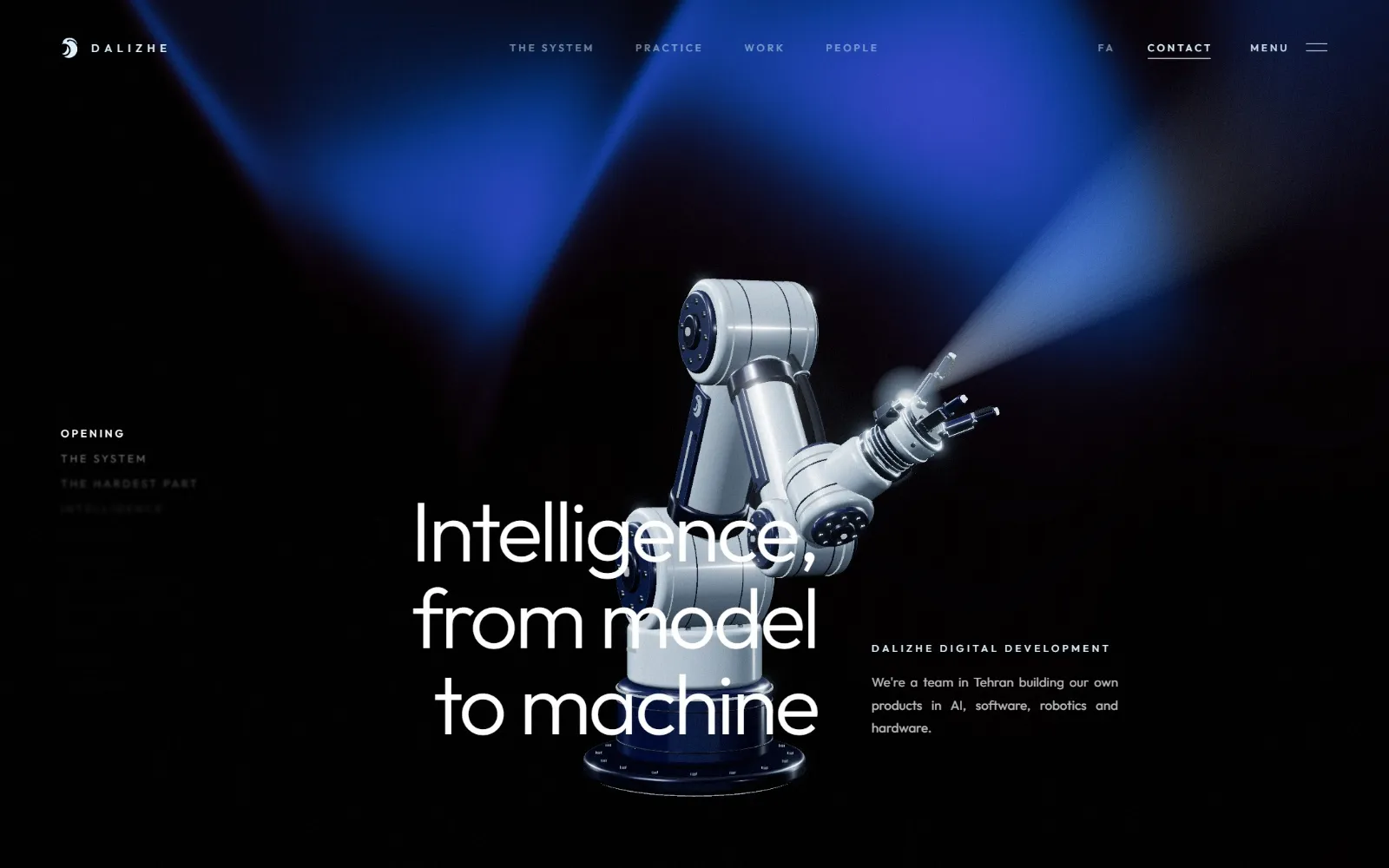
Move your mouse across the opening of our home page and a six-axis robot arm follows it; leave the pointer still and the arm tries to grab it, each time from a different side. It runs in your browser, but it is built the way an industrial arm is controlled: it solves where its joints must be, plans how to get there, and tracks that plan within the limits of each joint. This post explains those three steps, which apply to any real arm on a factory floor.
Forward and inverse kinematics
A robot arm is a chain: a base that turns, a shoulder, an elbow, and a wrist with two or three joints, each rotating the rest of the chain. Forward kinematics answers the easy question: given every joint angle, where is the hand and which way does it point? You multiply one transformation per joint and read off the result.
Real tasks ask the opposite. You know where the hand has to be ("put the gripper on this point, pointing down"), and you need the joint angles that put it there. That is inverse kinematics (IK), and it is harder for three reasons:
- Several answers. The same hand pose can often be reached elbow-up or elbow-down, with the wrist flipped one way or the other. A controller has to choose, and usually picks the solution nearest the arm's current angles so that it does not swing round needlessly.
- No answer. A point beyond the arm's reach, or one that would need a joint past its limit, has no solution. The controller must notice and do something sensible rather than producing an invalid result.
- Singularities. In some poses two joints line up and the arm loses a direction of movement; near them, a tiny move of the hand demands a huge, fast move of a joint. A classic one is a wrist centre right above the base: the base angle is then undefined, and a controller that ignores this will spin the base wildly.
For the common six-axis layout, where the last three joints meet at one point, IK can be solved in closed form: first place the wrist centre (which fixes the base, shoulder and elbow), then orient the hand with the wrist. Other arms are solved numerically, by iterating from the current pose towards the target.
On our home page the solver takes the wrist pitch nearest to its previous value, and every pose it chooses is checked by running forward kinematics again: if the fingertips would land more than a small distance from where they should, that approach is refused and another side is tried.
Joint limits and the arm's own body
A real arm has hard stops, cables that would twist, and a body it must not drive into. Two lessons from building ours:
- Clamping an angle is not enough. If the wrist simply stops at its limit, the target can suddenly jump to the other side of the range, and the planned move becomes a violent swing. Limits have to be part of choosing the solution, not a correction afterwards.
- Check for self-collision. We model the column, upper arm, forearm, wrist and hand as capsules and measure how deeply any two parts that are not neighbours overlap. Before the wrist had proper limits, the hand passed through the arm in a few percent of frames; with them, never.
Planning a move
Knowing the target angles is not the same as getting there well. If every joint simply ran at full speed towards its target, the joints would arrive at different times and the hand would trace a strange curve. Industrial controllers plan instead:
- Synchronised joint moves. Every joint starts and stops together. The move's duration is set by the joint with the furthest to go relative to its speed limit; the others are slowed to match.
- Smooth profiles. A joint should not jump from rest to full speed. Common profiles are the trapezoid (accelerate, cruise, decelerate), the S-curve, which also limits how quickly acceleration changes (the jerk), and polynomials. We use a quintic (fifth-order polynomial) for each joint, which starts and ends with zero velocity and zero acceleration, so the motion has no sudden kicks.
- Straight-line moves. Sometimes the hand itself must travel in a straight line, for example straight down onto a part. Then the path is sampled in small steps, IK is solved at each one, and the move is timed so that no joint is asked for more than it can deliver. Near a singularity the middle of a straight line can need far more joint speed than its ends, which is why the whole line is checked, not just its start and end.
When our arm grabs at your cursor it does exactly this: a joint move to a stand-off point on a new side, a short stop, then a straight approach along the line to the target, timed so no joint exceeds about 90% of its top speed or 80% of its acceleration.
Tracking a target that moves
A cursor, like a part on a conveyor or a person's hand, does not hold still. Two techniques keep the arm locked on with reduced oscillation:
- Filter the target. Raw measurements are noisy. We pass the pointer through a one-euro filter, which smooths hard when the target is nearly still (so small jitters do not make the arm tremble) and hardly at all when it moves fast (so the arm does not lag behind). It is a simple, well-known filter from human-computer interaction research and works just as well for sensors.
- Track with feedforward. A servo that only reacts to the error between where a joint is and where it should be always lags. Feeding the planned velocity and acceleration forward, and letting a critically damped controller correct only what is left, keeps the joint on its path without overshoot.
Why this matters outside a browser
Every one of these choices exists on a real arm for the same reasons: a smooth, synchronised move is easier on gearboxes, predictable for the people working nearby, and accurate where the tool meets the part. The difference on real hardware is that the limits are physical: motors that overheat, cables that wear, payloads that swing. That is the hard part of robotics we care most about: making the model, the software and the machine work together.
For the kinds of arms that work in factories, and what surrounds them in a working cell, see Industrial robots: what they are and the main types.
We welcome enquiries about projects involving motion control.